VPS Setup Checklist for a New Cloud Server
An Ubuntu VPS checklist for verifying sudo and SSH access, disabling password login safely, and installing optional runtimes and services, with explicit version, permission, and deployment limits.
When I receive a fresh VPS or cloud server, I do not deploy the app first. I run a day-0 Ubuntu setup checklist for SSH key access, a sudo user, shell ergonomics, and the runtime services I usually need for websites, APIs, Node/Nuxt apps, and small AI tools.
1) Create a non-root user
Scope: a supported Ubuntu LTS host using systemd and Bash. Keep console access and the existing administrator session open. Run steps 1–3 as the initial sudo-capable account; when logged in as root without sudo installed, omit the sudo prefix. Keep the original access path until the replacement is verified.
sudo adduser --gecos "" workSet a local password for work when prompted. It is used for sudo even after SSH password authentication is disabled. If the account already exists, inspect it rather than recreating it.
2) Grant sudo safely
sudo usermod -aG sudo work
id work
sudo visudo -c
The default Ubuntu sudo-group rule permits administrative commands using the member’s password. New group membership takes effect in a new login session. This procedure does not add NOPASSWD: ALL or confuse %work (a group rule) with the work user. Verify sudo -v in the new work session.
3) Configure SSH key login
sudo install -d -o work -g work -m 700 /home/work/.ssh
sudo touch /home/work/.ssh/authorized_keys
sudoedit /home/work/.ssh/authorized_keys
sudo chown work:work /home/work/.ssh/authorized_keys
sudo chmod 600 /home/work/.ssh/authorized_keys
Use sudoedit to add the complete line from your local public key, for example id_ed25519.pub, preserving any existing authorized keys. Keep the private key locally. Modes 700/600 are recommended; ownership, writable parent directories, and sshd policy also affect authentication.
From a second local terminal, replace SERVER_IP and verify a key-only login:
ssh -o PreferredAuthentications=publickey -o PasswordAuthentication=no work@SERVER_IPIn the new session, verify identity and sudo before continuing:
whoami
sudo -v
Disable SSH password and root login after verification
Edit the snippet from the work session. First confirm the main configuration includes sshd_config.d. Ubuntu normally reads snippets in filename order and uses the first value for most settings. Cloud-init files and Match conditions can affect the effective result.
sudoedit /etc/ssh/sshd_config.d/00-local-access.confPubkeyAuthentication yes
PasswordAuthentication no
KbdInteractiveAuthentication no
PermitRootLogin nosudo sshd -t
sudo sshd -T | grep -E '^(pubkeyauthentication|passwordauthentication|kbdinteractiveauthentication|permitrootlogin) 'The syntax check must succeed and verify PubkeyAuthentication is yes and PasswordAuthentication, KbdInteractiveAuthentication, and PermitRootLogin are no. If Match blocks exist, also use sshd -T -C with the actual user and client address. Reload only after checking, then test key login and sudo from a third terminal. Keep the original session and provider console available until this succeeds.
sudo systemctl reload ssh4) Install core packages
Review updates and reboot requirements, then upgrade in a maintenance window. Install runtimes and databases only when the workload needs them.
sudo apt update
apt list --upgradable
sudo apt upgrade
sudo apt install -y ca-certificates curl git jq less vim unzip lsof rsync build-essential
test ! -f /var/run/reboot-required || cat /var/run/reboot-required
Before rebooting, verify SSH access, console access, and sudo. Extra libraries and services are optional, not a checklist requirement.
5) Baseline terminal ergonomics
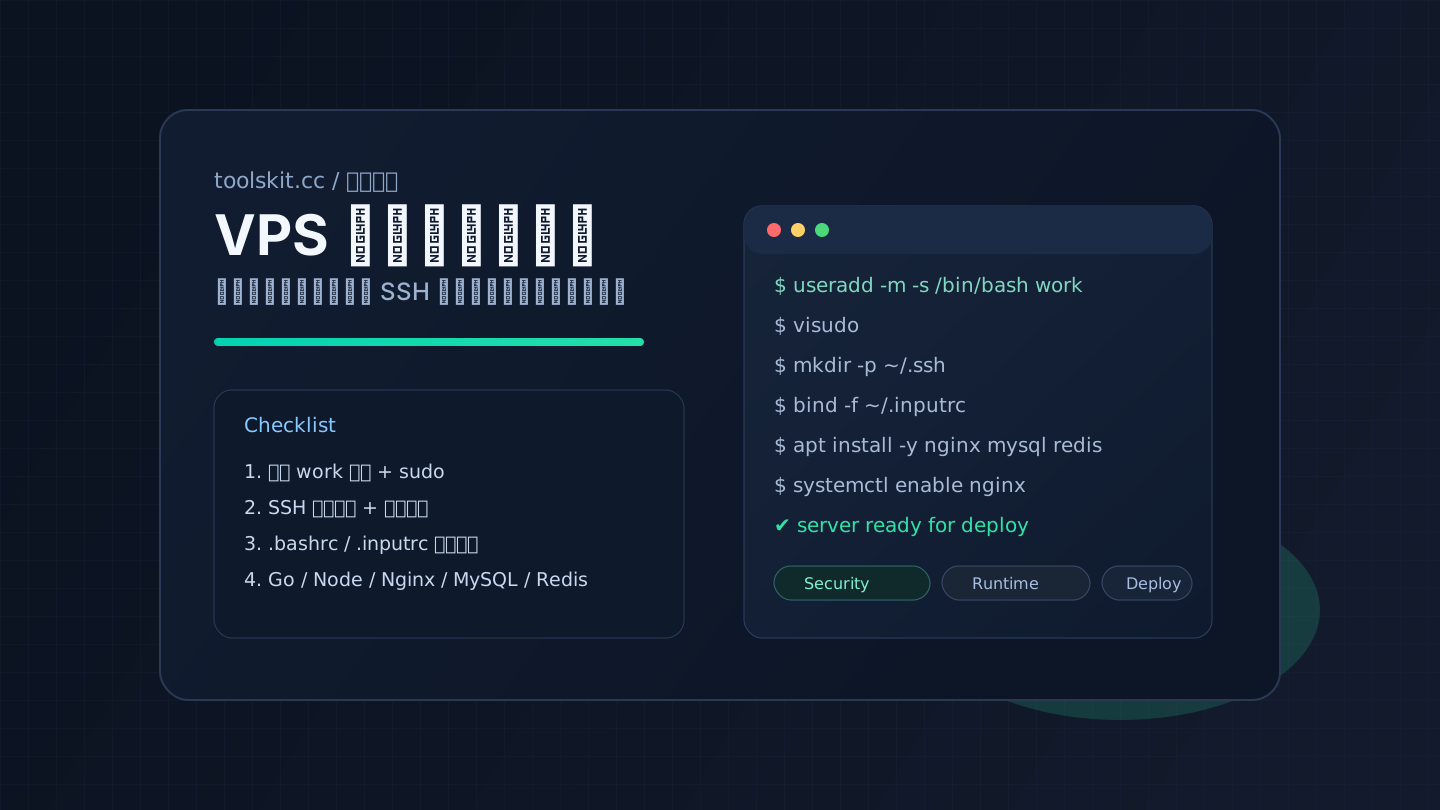
Continue as the verified work user. This English version covers the same access and installation checks; the Chinese version additionally retains the original Readline screenshots/GIF and personal shell notes. Those historical images demonstrate prefix search, not a newly tested full VPS installation.
I always set prefix-aware history search in ~/.inputrc:
set match-hidden-files off

"\ep": history-search-backward
"\e[A": history-search-backward
"\e[B": history-search-forward
bind -f ~/.inputrcThen in ~/.bashrc I at least keep command timestamps and dedupe:
export HISTCONTROL=ignoredups
export HISTTIMEFORMAT='%F %T '
6) Install Go runtime
Inspect the distribution version and compare it with the go/toolchain requirements in go.mod. If it meets the project requirement, install the Ubuntu package:
apt-cache policy golang-go
sudo apt install -y golang-go
go version
go env GOPATH
If it is too old for the project, follow the official Go installation instructions, choosing a supported release and the correct CPU architecture, and verify the published checksum. Do not reuse the old go1.22.4 example or extract a new archive over an existing Go tree. A third-party GOPROXY is optional and should be chosen deliberately.
7) Install Node.js and Yarn
Choose a supported release from the project engines requirement and official release schedule; parity alone is not a lifecycle guarantee. This example fixes the Node.js 24 branch, without claiming it is always the latest LTS. NodeSource is a third-party repository: download and inspect its setup script before running it as an administrator.
curl -fsSL https://deb.nodesource.com/setup_24.x -o /tmp/toolskit-nodesource-setup.sh
less /tmp/toolskit-nodesource-setup.sh
sudo bash /tmp/toolskit-nodesource-setup.sh
sudo apt install -y nodejs
node --version
npm --version
Check the Node.js release schedule and NodeSource support notes. The following is an option only for Yarn Classic projects. For modern Yarn, follow the project packageManager field and its installation documentation.
npm install --global --prefix "$HOME/.local" yarn@1
export PATH="$HOME/.local/bin:$PATH"
yarn --version
Persist the PATH export in the work user’s ~/.bashrc if needed. A user-owned prefix avoids write-permission errors in system-wide npm directories.
8) Install Nginx when needed
This baseline uses the Ubuntu repository to avoid adding another package source. An older upstream version number does not alone show that a distribution package lacks security maintenance. Choose nginx.org packages separately when their features and module support are required.
sudo apt install -y nginx
sudo nginx -t
sudo systemctl enable --now nginx
curl -I http://127.0.0.1
A local HTTP response only verifies the service starts. Public DNS, TLS, firewall rules, and reverse-proxy configuration are separate checks. Validate nginx -t before each reload.
9) Optional MySQL and Redis services
Check the available MySQL version first. Ubuntu packages normally let the local administrator use socket authentication; there is no need to read an old maintenance password file or force mysql_native_password.
apt-cache policy mysql-server
sudo apt install -y mysql-server redis-server
sudo systemctl enable --now mysql redis-server
sudo mysql -u root
SELECT VERSION();
SELECT user, host, plugin FROM mysql.user;
EXIT;redis-cli -h 127.0.0.1 ping
sudo ss -lntpCreate a separate least-privilege account for the application instead of using MySQL root. PONG confirms only that the local Redis connection works. Check binding addresses, protected-mode, and application ACLs; do not expose ports 3306/6379 to the public Internet. Backups and tested recovery remain separate work.
10) Verify the deployment boundary
This checklist is not a production-readiness certification. Verify cloud security groups, host firewall rules, and repeatable SSH access. Add HTTPS, application permissions, tested backups/recovery, monitoring, and a maintenance plan. This revision reviewed documentation, command order, and syntax; it did not replay the entire procedure on a new server.
Checked on 2026-09-29: Ubuntu OpenSSH configuration and Ubuntu MySQL installation/authentication. Check linked runtime documentation for version and platform support on the installation date.
When documenting and validating server outputs, I often use:
Password Generator, Base64, Timestamp Converter, JSON Formatter.
Chinese version with historical terminal demonstrations: 中文完整版
Frequently asked questions
What should I do first on a new VPS or cloud server?
Stabilize access first: create a daily user, grant sudo safely, and configure SSH key login. Install runtimes and services after the login path is reliable.
Why does SSH key login fail on a fresh server?
The usual cause is file ownership or permissions. Keep the .ssh directory at 700, authorized_keys at 600, and make sure both belong to the login user.
Do I need Nginx, Node.js, MySQL, and Redis for every VPS?
No. This checklist is a practical baseline for websites, APIs, Nuxt/Node apps, and small services. Remove anything your workload does not need.